A short guide on installing and authorising gcloud on ubuntu 26.04 LTS.
gcloud is a command line tool that allows you to interact with Google Cloud Platform services such as BigQuery or Google Cloud Storage. This tool can help speed up and automate actions performed on GCP, and once familiar is much quicker than clicking around the interface.
Official installation guide from Google.
I actually didn’t follow the official installation guide, but instead installed using snap.
Step 1
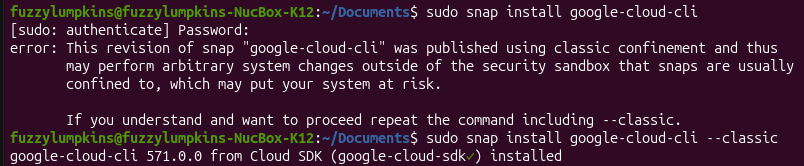
Open the terminal and type the following
sudo snap install google-cloud-cli --classic
Step 2
Still in the terminal, run the following to help get set up with authentication.
gcloud init
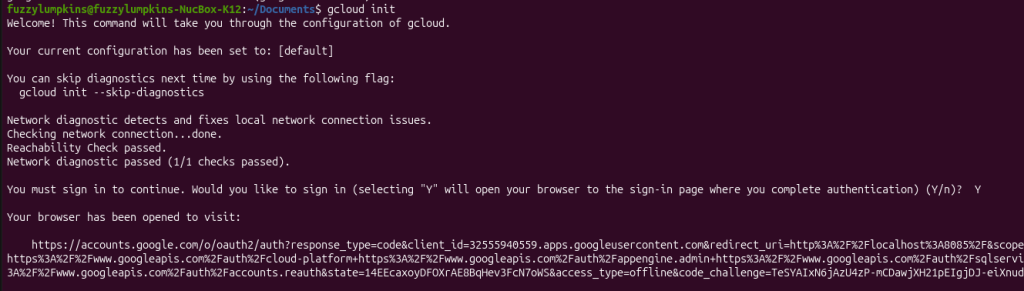
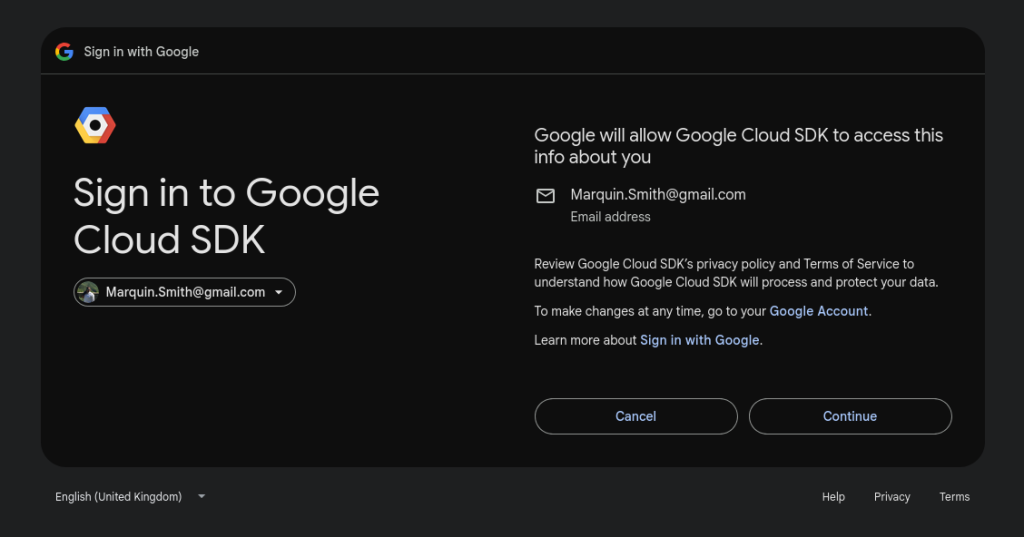
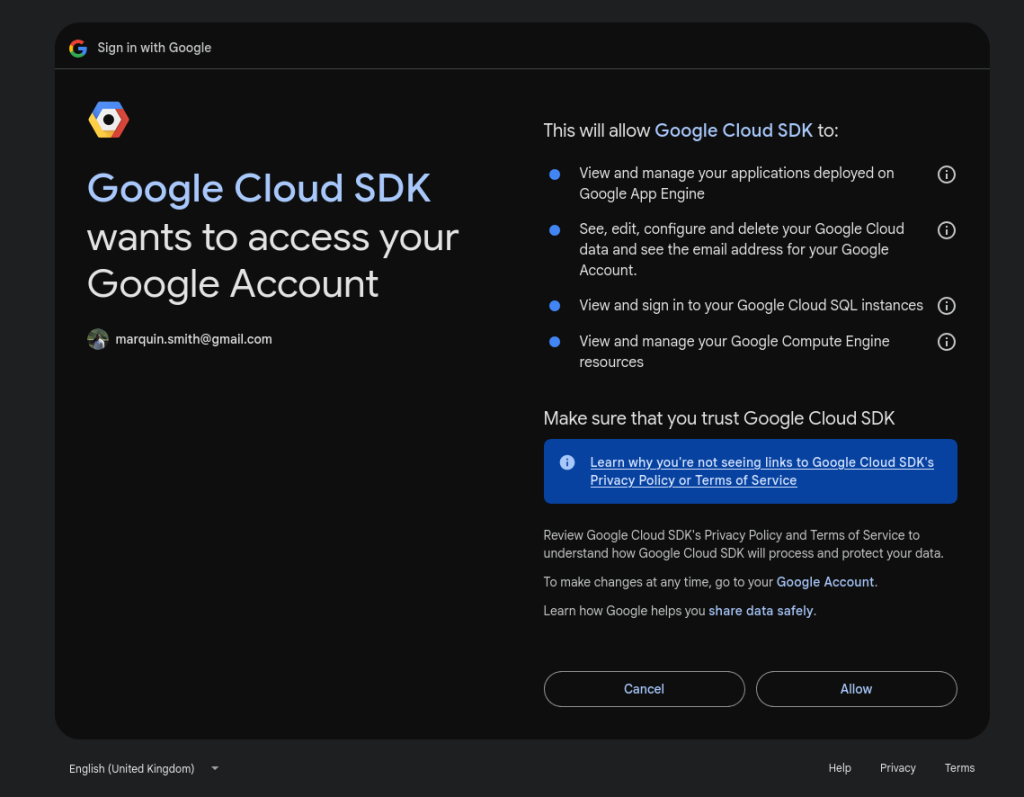
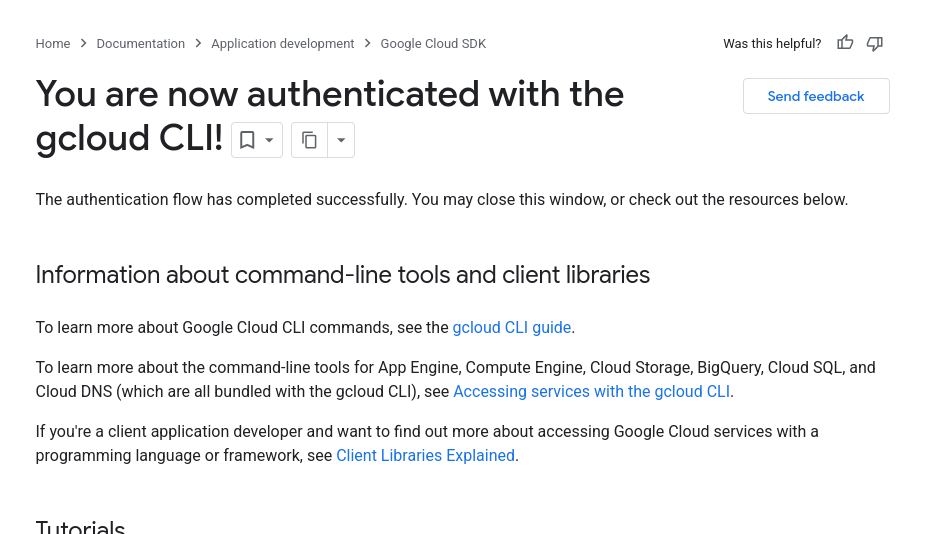
This will then open a browser to complete authorisation. Alternatively copy and past the URL in another browser or another profile than the default one that the link was opened in.
Then authenticate with the desired account.
Step 3
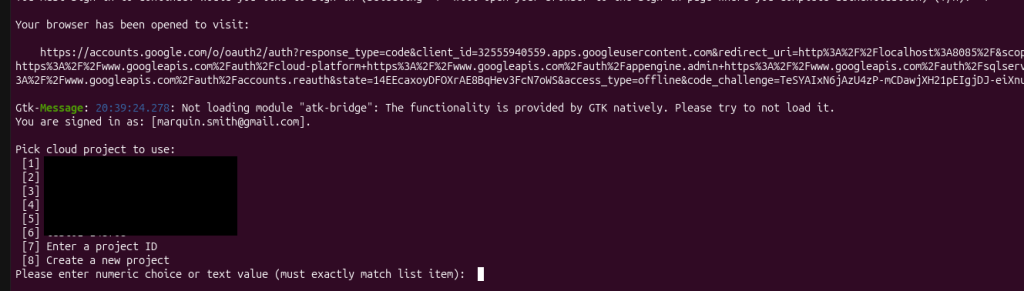
Navigate back to the terminal to finish setting up. It will ask you to pick a default project. Pick one.
Step 4
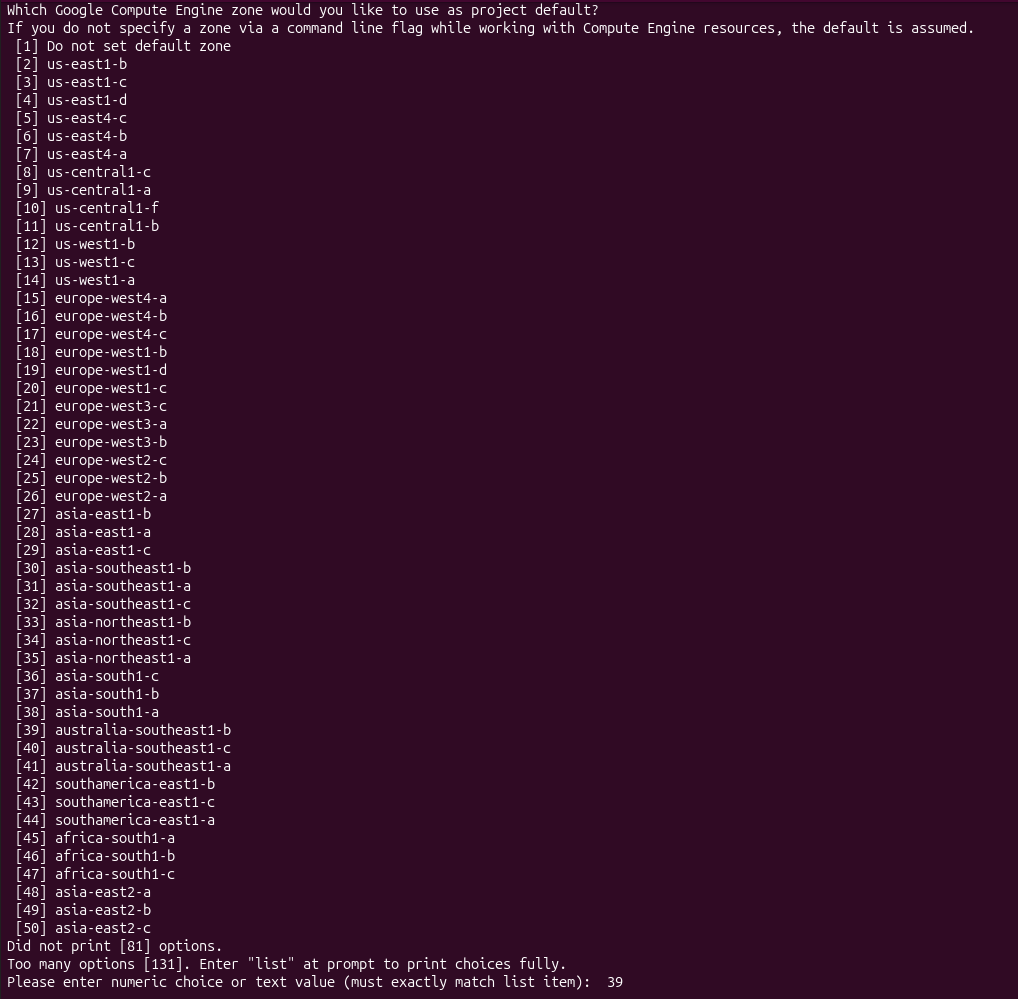
Choose a default region. This will be the location of the resources created in GCP when not otherwise specified.
And that’s it. We now have a fully installed and authenticated ready to get to work with GCP!