The following bash code will replace any occurance of old text with some new text in all yaml files in the current directory when run on a mac.
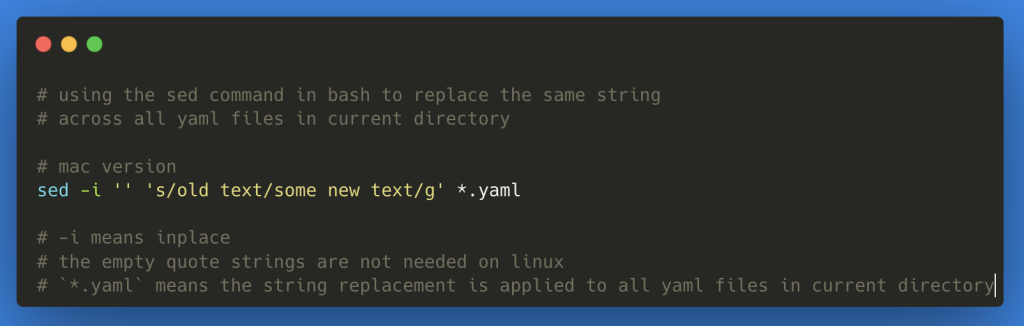
# using the sed command in bash to replace the same string
# across all yaml files in current directory

# mac version
sed -i '' 's/old text/some new text/g' *.yaml

# -i means inplace
# the empty quote strings are not needed on linux
# Linux:
# sed -i 's/old text/some new text/g' *.yaml
# `*.yaml` means the string replacement is applied to all yaml files in current directory
This is a useful way to bulk edit files that require some string replacements.